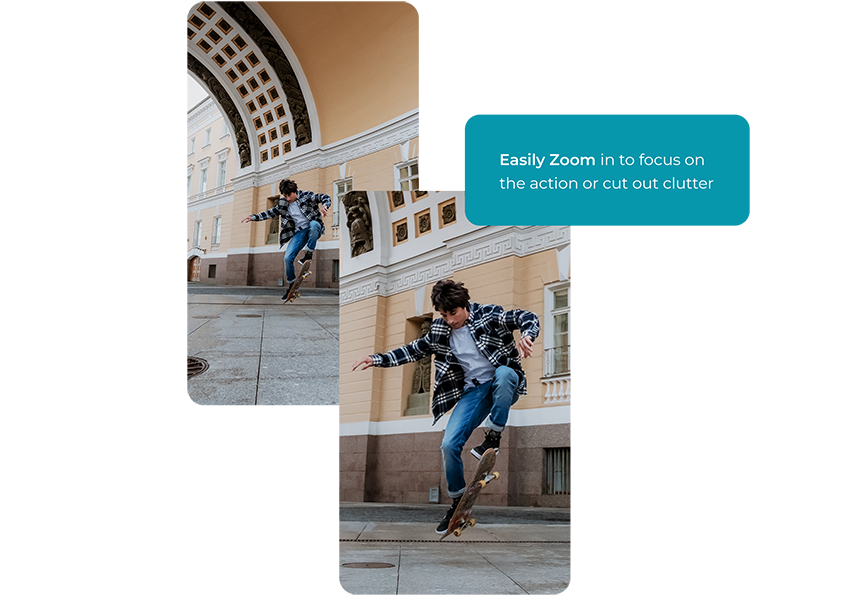

Video zoom, video close-up, or video enlargement in a video editor is a powerful tool that can greatly enhance your storytelling capabilities. By zooming in on a particular area of the video frame, you can highlight specific details, creating a sense of intimacy or importance around them.
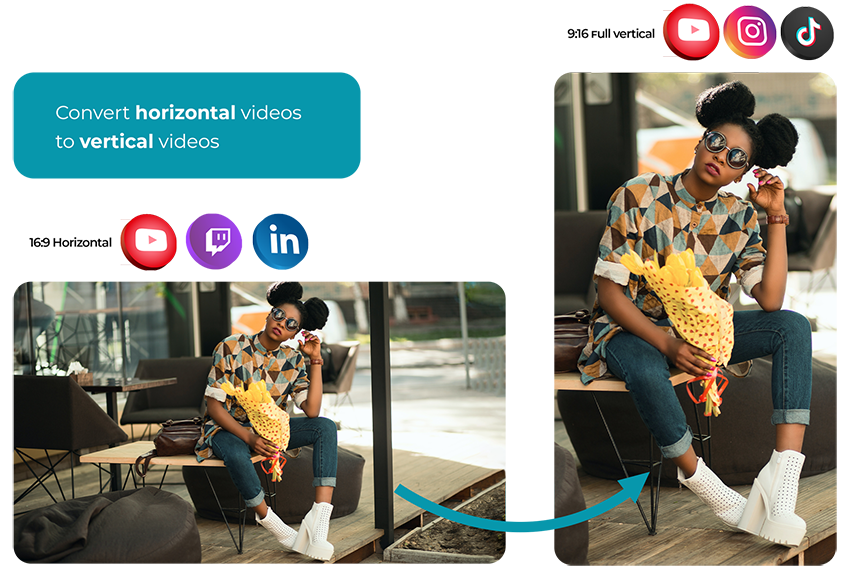
Zooming can also create dynamic motion within a static shot, add dramatic effect, or simulate the perspective of a character or observer. Furthermore, video zoom can be utilized to crop or recompose a shot in post-production, to create other aspect ratios for example.

Upload your video file from your tablet or laptop.

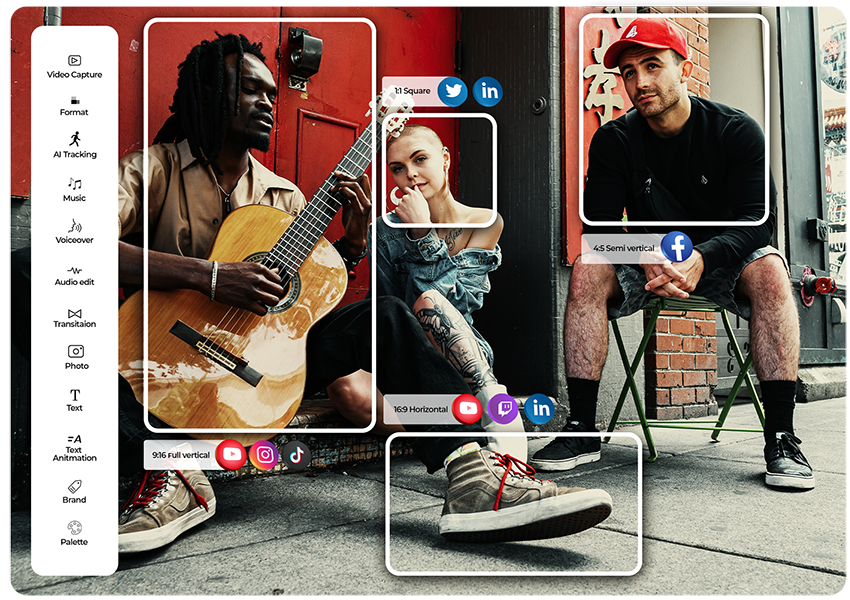
Compose and crop your video with our custom tools. You can compose upto 4 aspect ratios at a time.

Once you've finished editing your videos in the editor, hit the render button and your videos will be cropped along with all the edits you made.
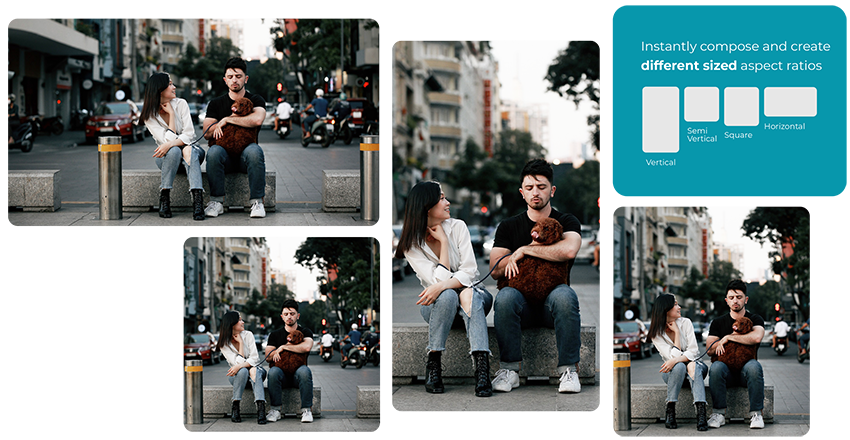
When using the zoom and crop together, it's vital to maintain the overall video quality. Digital zoom, unlike optical zoom, is achieved in-camera, and can lead to a loss in resolution if pushed too far, resulting in pixelated or blurred images.
To maintain quality, start with a high-resolution video for example 4k which is 3840 x 2160 pixels, or 2k which is 2560x1440 pixels. When you crop these videos for social media always aim to output 1920x1080 pixels, as this is Full High Definition at a lower file size. This gives you good quality video that loads fast.
Cerebriam Studio will make these resolution conversions for you automatically, while helping you to maintain the overall compositional balance by giving you tools to keep important visual information in the frame.
Zoom and crop is particularly impactful in short form video for TikTok, Instagram Reels, and YouTube Shorts. Dramatic zoom-ins are often used in comedy skits on social media to emphasize peoples’ reactions to pranks and jokes, and this contributes to the posts’ comedic style.
Zooming and cropping on the Cerebriam Studio editor involves the software cutting the parts of the video frame outside of the composition box you have created. And then automatically scaling the remainder of your video, that is inside of the composition box, to fill the frame - while preserving its original aspect ratio. Cerebriam Studio also upscales the resolution of cropped footage to 1920x1080 pixels which is Full High Definition and ideal for social media.

Trimming audio is easy. All you have to do is upload a video a file, adjust the slider (between Smaller File and Higher Quality) to suit your needs, and click ‘Compress Video: Cerebriam Studio’s Audio Trimmer will show you the file size (in MB) so you can easily adjust the video quality to get the exact file size you need (eg. if you need to meet an email attachment limit)
As far as I know, all the housing made by Lucy Property has a very strategic location, close to the center of the Government, making it easier for us to carry out activities. As far as I know, all the housing made by Lucy Property has a very strategic location, close to the center of the Government, making it easier for us to carry out activities.
I think the biggest gain here is having an automated end-to-end process, where we know we are using generative AI ethically and content and creatives are labelled in the correct way, without us having to spend time, effort or thought on this process. We deeply appreciate the ease of use and how a very complex process can just run quietly in the background.
The TikBox platform offer a good alternative to the current route of licensing through a stock image library, especially if you want control of the client transactions. It also allows for direct transactions and licensing with a client without involving a stock library.