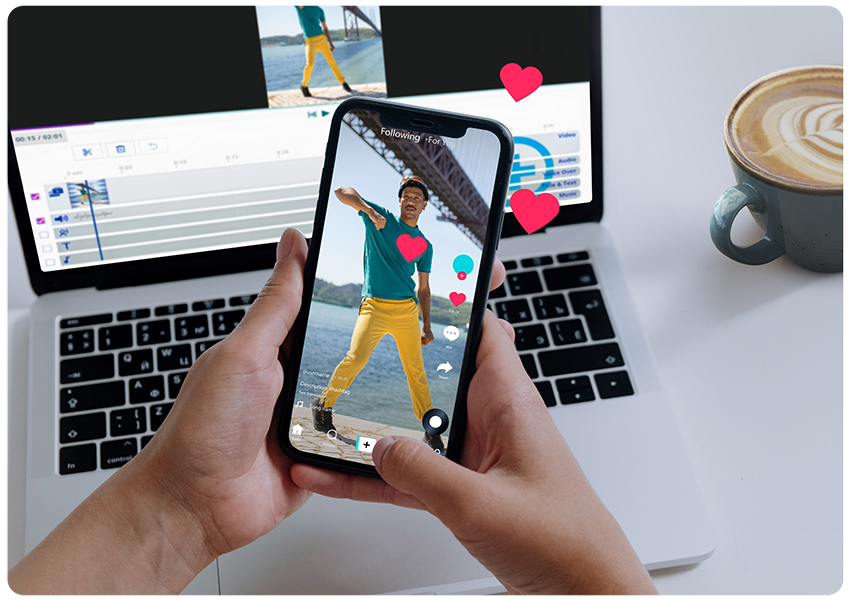
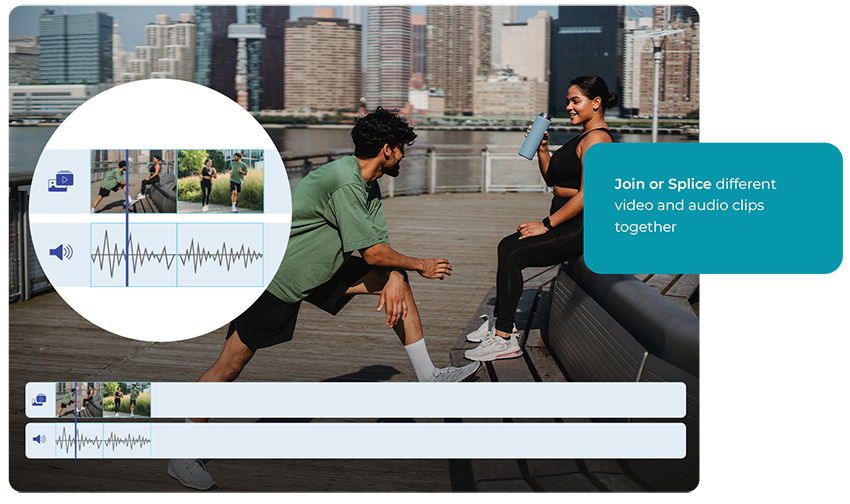

Joining video clips or merging video clips in a video editor is an essential part of the editing process, allowing different video clips to be combined into a single, cohesive piece.
By merging videos, creators can craft a story, convey a particular mood, illustrate comparisons or contrasts, or compile highlights or recaps. The technique is especially useful in creating narrative continuity, seamlessly blending various scenes, perspectives, or time frames. It's a fundamental practice in everything from film and television production to vlogging and presentation creation, but there is a difference in short form video editing and long form video editing.

Upload your video file. You can loop back from the editor and upload as many video files as you like.

Trim your video in the editor. Upload more clips, cut and edit as you please.

When you render your video clips, they will automatically be merged or joined by our render engine.
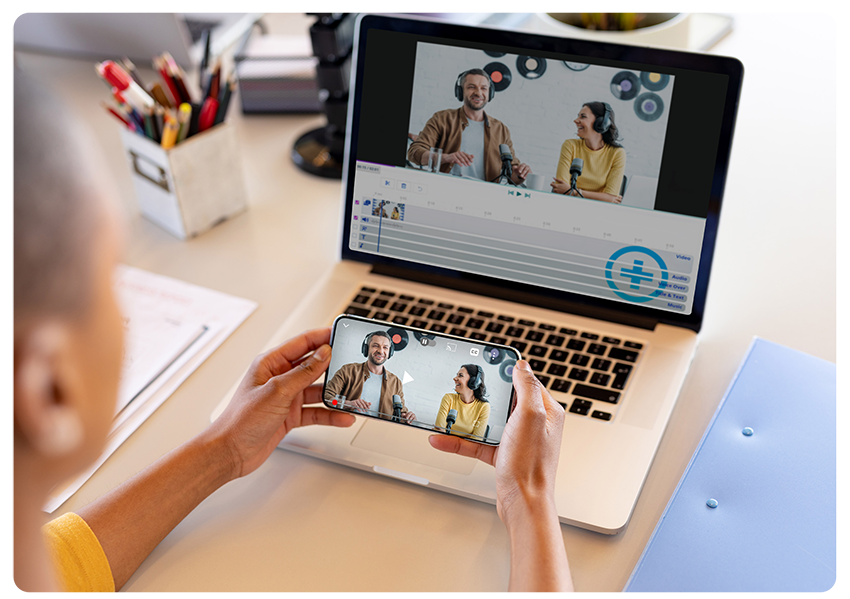
When joining or merging clip for long form videos, it's critical to consider the continuity and flow of the resulting video. The transition between the merged clips should be smooth and natural, avoiding jarring shifts in visual or auditory elements. Coherence in colour grading, lighting conditions, and sound design can significantly enhance the viewing experience.
Also, narrative continuity is paramount - the sequence of scenes should make sense to the viewer.
Lastly, ensuring each video clip's technical aspects (like resolution, frame rate) are compatible or matched can help avoid quality discrepancies in the final product.
Video editing for short-form video content is very different. Platforms like TikTok, Instagram Reels, or YouTube Shorts have made short form video 5-60 seconds incredibly popular.
Video content for these fast growing social platforms doesn't need to be smooth, have a linear narrative, or seamless transitions. Instead, the emphasis is on capturing the viewer's attention quickly and keeping it through rapid shifts, bold cuts, and dynamic changes. This new style embraces quick pace, high energy, and often intentionally jarring or surprising transitions.
For example, a short-form video might abruptly switch scenes, audio tracks, or visual effects to maintain engagement and provoke reactions. This style suits the fast-scrolling nature of these platforms, where content needs to make an immediate impact to prevent the viewer from simply swiping to the next video.
Various types of video joining or merging techniques are available, with the method largely dependent on the desired effect. Simple cuts and jump cuts, where one video clip immediately transitions to another, are the most straightforward and commonly used types.
Cerebriam Studio also features dip to black and dip from black as a visual pallet cleanser – if the two video clips are really very different, then you want to gently move the viewer from one clip to the next and clearing the screen with a very short, often 0.5 second, black interlude does that perfectly.
Crossfades or dissolves also allow for a smooth transition between videos by momentarily overlaying the end of one clip and the start of another. More complex transitions like wipes, slides, or digital effects can also be used, especially in stylistic or thematic contexts.

Some popular apps for merging and joining video include Adobe Premiere Pro, iMovie, Filmora, and InShot. The Cerebriam Studio application is a browser-based tool which offers a variety of features that make it easy to merge videos, add music, text, and effects, to share on social media platforms.
Yes, most video editing tools allow you to merge videos of different formats and resolutions. However, it is recommended to convert all videos to the same format and resolution before merging for the best results. To maintain quality, ensure you’re exporting in the highest resolution, and best aspect ratio, the social media platform supports. The resolution will often be 1080p, and the aspect ratio can be vertical, semi vertical, square, or horizontal video. Cerebriam Studio will automatically convert the videos for you to get the best output for your target platform.
Yes, you can merge or stitch your audio or music files to images or photos using Cerebriam Studio. You can even upload an audio-video file, delete the video portion while retaining the audio, and merge new video clips, photos, or images to the audio file.
While other editors may have limited on the number of clips you can merge together, there is no limit on the number of audio or video clips you can merge together using Cerebriam Studio.
As mentioned above, with Cerebriam Studio you can create simple cuts and jump cuts where one video clip immediately transitions to another, or you can fade in-between clips. Specifically, the Cerebriam Studio transition allows you to dip to black and dip from black and acts as a visual pallet cleanser. For example, if the two video clips are really different, the viewing experience may be very jarring. To make the transition from one clip to another smoother, Cerebriam Studio allows you to gently move the viewer from one clip to the next by clearing the screen with a very short, 0.5 second, black interlude.
Once you have finished editing your videos and other media assets, simply hit the publish button, and our render engine will merge and stitch all the media assets you have edited together. Simply select your target social channel and we’ll make sure that your videos are optimised for that platform whether it be TikTok, Instagram, Facebook, Twitter, YouTube or LinkedIn. Once your videos are rendered you’ll receive an email with a downloadable link to the videos. You can post the videos in accordance with your own social media calendar.
As far as I know, all the housing made by Lucy Property has a very strategic location, close to the center of the Government, making it easier for us to carry out activities. As far as I know, all the housing made by Lucy Property has a very strategic location, close to the center of the Government, making it easier for us to carry out activities.
I think the biggest gain here is having an automated end-to-end process, where we know we are using generative AI ethically and content and creatives are labelled in the correct way, without us having to spend time, effort or thought on this process. We deeply appreciate the ease of use and how a very complex process can just run quietly in the background.
The TikBox platform offer a good alternative to the current route of licensing through a stock image library, especially if you want control of the client transactions. It also allows for direct transactions and licensing with a client without involving a stock library.