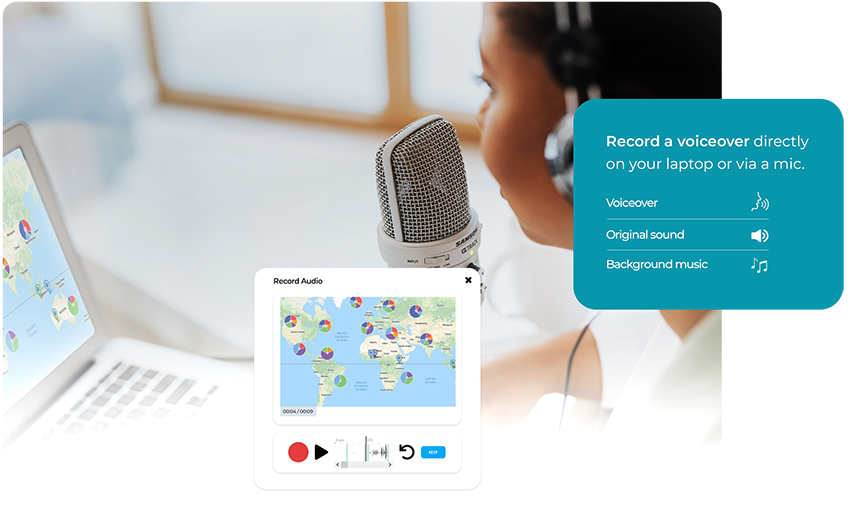

Audio editing or correction, and sound editing or correction with an online video editor can be essential for enhancing the overall quality and impact of your video content. Cerebriam Studio edits mp3, aac, wav, ogg, wma, and m4a.
Clear, balanced audio can significantly improve the viewer's experience and ensure your message is delivered effectively. Removing unwanted noise, adjusting volume levels, adding sound effects or background music, or syncing audio with video can all greatly enhance the storytelling aspect of your content.
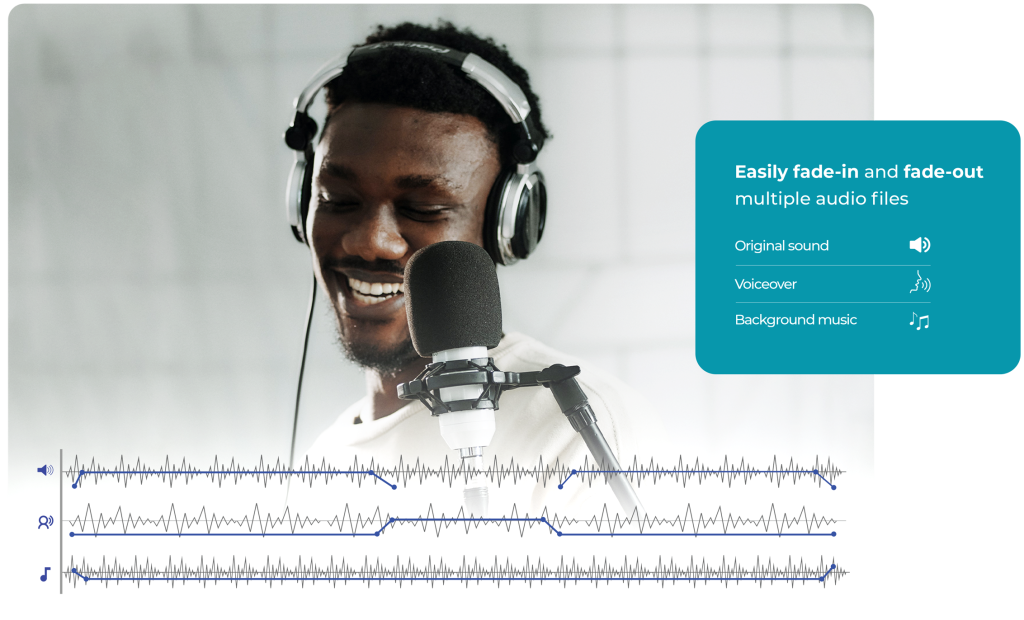
Use Cerebriam Studio to edit together audio on three different tracks. Trim audio clips to remove unwanted sections, apply fade-ins and fade-outs for smooth transitions, and utilize audio ducking to reduce background noise when dialogue is present.

Upload the audio clip you want to edit to the Cerebriam Studio online editor

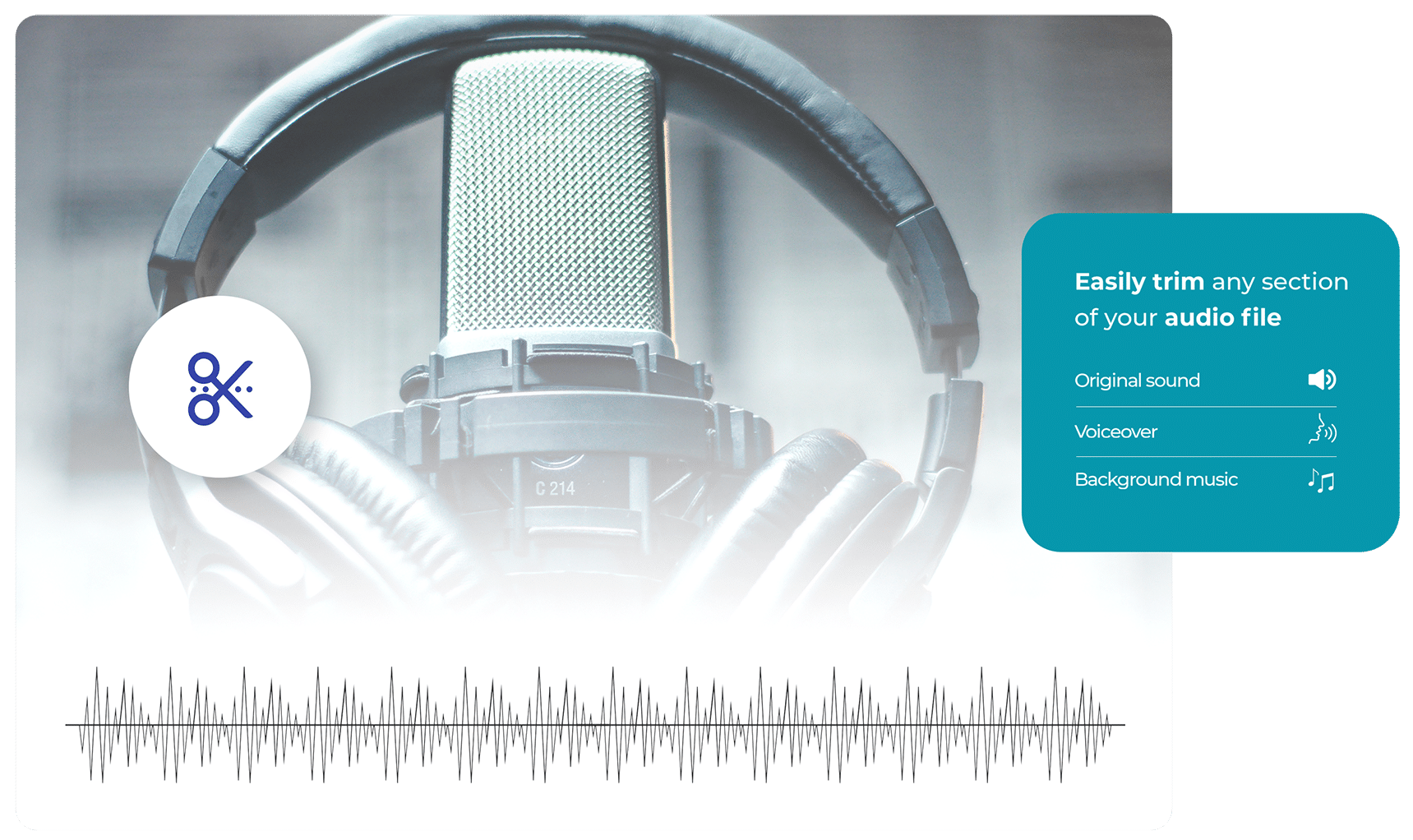
In the editor, your audio will be represented as a waveform. You can cut, trim, or move audio in the same way you would video. Move the player head to the point on timeline where you wish to make a cut. This will split your audio file into separate segments that can be manipulated independently.

Delete unwanted segments and rearrange the remaining clips audio as needed. Add an image to the project and render the project. If you do not add an image, the audio will be rendered with a black canvas.
When making audio edits, ensure the audio aligns perfectly with the visuals; any misalignment can disorient or distract viewers. Balance the audio levels to maintain consistent volume and to ensure dialogue is audible over background noise or music. Remember that sound effects and music should complement the video, not overpower it. Also, consider the mood you're trying to set; different soundtracks can evoke a range of emotions, and sound effects can add realism or emphasis to certain scenes.
With Cerebriam Studio you can add your favourite pictures to create a storyboard against soundtrack of your favourite music. Upload your band performance, DJ set, live performance, music video file – Cerebriam Studio will separate the audio from the video and you can edit the two files separately.
Several types of audio edits can be performed in the Cerebriam Studio online editor. These include trimming (removing parts of an audio track), splitting (dividing an audio track into segments), adjusting volume (changing the loudness of the audio), fading in/out (gradually increasing or decreasing the volume), and adding additional sound files (background music, voiceover etc.)

Cerebriam Studio allows you to import multiple audio files and arrange them on separate tracks. You can then adjust the timing to merge them together. Similarly, splitting an audio file involves selecting the portion you want to separate and using the scissors icon to divide it into two or more parts.
There are a variety of software options available for audio editing, ranging from professional-grade applications like Adobe Audition or Avid Pro Tools, and powerful and simpler to use options like Audacity and Cerebriam Studio. The best choice depends on the user’s specific needs, and technical expertise.
The ideal length for an audio clip varies depending on the social media platform and the context. For instance, on Instagram, a video (and thus the accompanying audio) is good at 60 seconds for a regular post, and up to 15 seconds for a Story. Understanding the platform’s limitations and the audience’s attention span can help guide the length of your audio clips. Some platforms will allow you to upload longer content, and you should balance this with how long your audience is likely to listen/watch your content.
Lossy and lossless refer to different types of audio file compression. Lossy formats (like MP3 or AAC) reduce file size by eliminating some audio information, in a way that is barely noticeable to the human ear. Lossless formats (like FLAC or ALAC), on the other hand, compress the audio without losing any information, preserving the original sound quality. The trade-off is that lossless files are generally much larger in size.
Simply upload to Cerebriam Studio the music you wish to add to your video, and trim, and control the volume in the online editor. You can also delete the original audio from the video if it’s not to your liking.
There are several strategies to optimize podcasts for social media sharing. You can add a fun, engaging image with a title to your audio using Cerebriam Studio, share short clips or quotes from the episode on other platforms, or use hashtags related to your podcast’s theme. Making sure your audio is clear, engaging, and well-edited is key.
It’s best to use royalty-free music, music you’ve created yourself, or music provided by the social media platform itself (like Instagram’s music library). If you use copyrighted music without permission, your content could be taken down, repeat violations could block your account, or you could face legal consequences.
While live streaming doesn’t provide the same opportunity for post-production editing as pre-recorded content, there are still steps you can take to improve audio quality. You can use an external microphone, choose a quiet environment, check your audio levels, and use noise reduction tools.
As far as I know, all the housing made by Lucy Property has a very strategic location, close to the center of the Government, making it easier for us to carry out activities. As far as I know, all the housing made by Lucy Property has a very strategic location, close to the center of the Government, making it easier for us to carry out activities.
I think the biggest gain here is having an automated end-to-end process, where we know we are using generative AI ethically and content and creatives are labelled in the correct way, without us having to spend time, effort or thought on this process. We deeply appreciate the ease of use and how a very complex process can just run quietly in the background.
The TikBox platform offer a good alternative to the current route of licensing through a stock image library, especially if you want control of the client transactions. It also allows for direct transactions and licensing with a client without involving a stock library.